
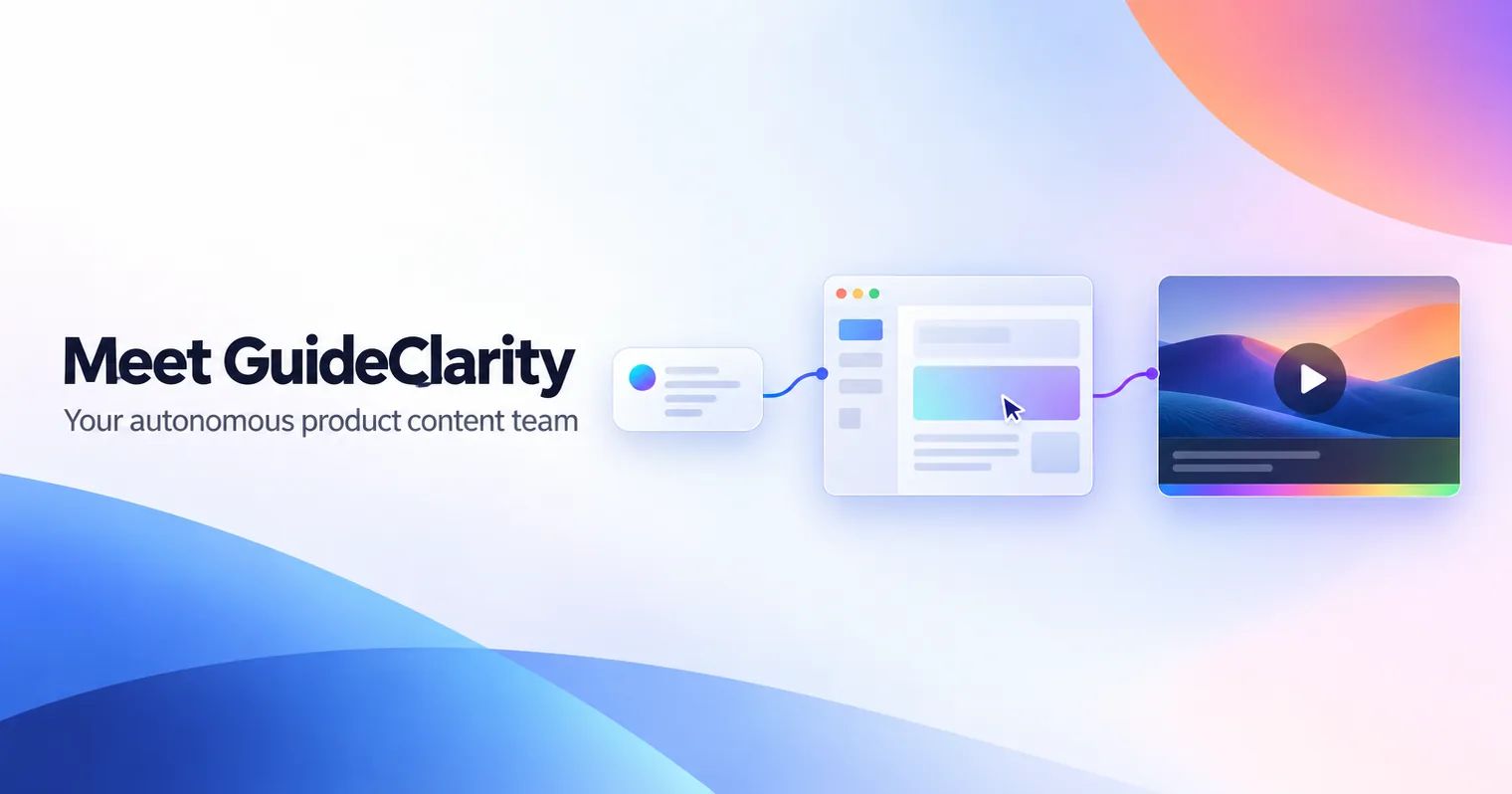
GuideClarity is an AI video agent that creates SaaS product videos on its own. You tell it what you want to show. It opens your product, works out the workflow, records the right screens and writes the script. Then it adds the voiceover, captions, zooms, motion graphics and your brand style, and hands you a finished video.
- One request replaces the usual script, record, voiceover and edit cycle.
- The same agent makes tutorials, demos, feature launches, onboarding videos and help center content.
- Automatic re-recording when your interface changes is coming next.
How SaaS product videos are made today
Most SaaS product videos are still made by hand, one step at a time. First someone works out what the video should say. Then they write the script, record the product and record the voiceover. After that they edit everything together and add zooms, animations, captions, music and branding. Only then can they export the video and publish it.
- Decide what the video should say.
- Write the script.
- Record the product.
- Record the voiceover.
- Edit it all together.
- Add zooms, animations, captions, music and branding.
- Export and publish.
By the time a team finishes, the product team has usually shipped something new. The video is already behind the product it explains. Our guide on making a product demo video shows how much care each of those steps takes when you do them well. There has to be a better way.
What the GuideClarity AI video agent does
The GuideClarity AI video agent turns one plain request into a finished product video. You describe what you want to show, such as "show how to invite a teammate and set their permissions." The agent understands the request, opens your product and navigates the interface. It works out the workflow itself, the same way a new team member would.
Then the agent does the production work that usually takes a team several days:
- It records the right screens in the right order.
- It writes the script for the workflow it just followed.
- It generates the voiceover.
- It adds captions, zooms and motion graphics.
- It applies your brand style.
- It hands you a finished video to review.
You do not record anything, write anything or open an editor. You tell it what video you need, and you walk away.
What you can make with one AI video agent
One AI video agent can make every kind of product video a SaaS team needs, because every video starts from the same product. GuideClarity makes tutorials, product demos, feature launch videos, onboarding videos and help center content. Each one comes from the same source, so the screens, the terminology and the brand style stay consistent across all of them.
- Tutorials. Step by step videos for a single task, ready for the help center.
- Product demos. Polished walkthroughs of the workflows buyers care about.
- Feature launches. Announcement videos for what you just shipped.
- Onboarding videos. Short videos that guide new users to their first win.
- Help center content. Videos that sit next to the written answers customers already search for.
Onboarding is a good place to start, since each activation step needs its own short video. The SaaS onboarding video playbook explains which steps deserve one.
How each team uses an AI video agent
Each team that explains the product gets its own kind of video from the same AI video agent. Marketing gets launch videos. Support gets tutorials. Customer success gets onboarding videos. Sales gets product demos. Nobody has to wait for a video specialist, and nobody has to pull a product manager into a recording session.
| Team | What they ask GuideClarity for |
|---|---|
| Marketing | A launch video for the feature that shipped this week |
| Support | A tutorial for the question customers keep asking |
| Customer success | An onboarding video for the first steps after signup |
| Sales | A product demo of the workflow a prospect cares about |
Your team ships the product. GuideClarity explains it.
What happens when your interface changes
When your interface changes, you should not have to start a video over from scratch. With GuideClarity you do not. Because the agent works from a request rather than an old recording, you can ask for the same video again. It opens the current version of your product and records it as it looks today.
The next step is to make that automatic. We are building GuideClarity to re-record affected videos on its own when the product changes, using the latest version of your interface. That feature is coming, and it is not live yet.
Outdated video is a real problem for SaaS teams. In our SaaS video documentation report, a market model estimates that about 35 percent of dated video-covered help articles were updated at least 90 days after their video. Product videos should move as fast as the product does.
Why we built an AI video agent instead of another editor
We built an AI video agent because editing was never the slowest part of making product videos. The slow part is everything around the edit. Someone has to decide what to show, follow the workflow, record it cleanly and keep it current. An editor speeds up one step. An agent removes the steps, so a team can make the videos its product needs instead of the few it has time for.
Good-looking AI video is becoming easy to get. What stays hard is understanding a product well enough to show it correctly. That is the part GuideClarity is built around, and it is why the same agent can make a tutorial, a demo and a launch video from one product.
I wrote more about where this is heading in the future of AI video. The short version is that we want GuideClarity to become your autonomous product content team.
How to try the GuideClarity AI video agent
GuideClarity is in beta, and you can join from the Sign Up button at the top of this page. Start with one video your team keeps postponing, such as a tutorial for a common support question. Tell GuideClarity what you want to show, then review the finished video it hands back. That single test shows quickly whether an AI video agent fits how your team works.
Tell it what video you need. Walk away.
Key Takeaways
- GuideClarity is an AI video agent that turns one request into a finished SaaS product video.
- It opens your product, works out the workflow, records the screens and writes the script on its own.
- It adds voiceover, captions, zooms, motion graphics and your brand style automatically.
- Tutorials, demos, launch videos, onboarding and help center videos all come from the same product.
- Automatic re-recording after interface changes is coming next.
Frequently Asked Questions
What is an AI video agent?
An AI video agent is software that makes a video on its own from a goal, instead of waiting for you to do each step. For SaaS product videos, that means it opens the product, follows the workflow, records the screens, writes the script and edits the result. You describe the video, and the agent does the production work.
How is an AI video agent different from an AI video generator?
An AI video generator usually turns a prompt, script or recording you provide into video. An AI video agent goes further and gathers the material itself. GuideClarity opens your real product, works out the workflow and records it, so the video shows how your software actually works rather than a generic scene.
What kinds of videos can GuideClarity make?
GuideClarity makes product tutorials, product demos, feature launch videos, onboarding videos and help center videos. All of them come from your actual product, so screens and terminology match what users see. Each video includes a script, voiceover, captions, zooms, motion graphics and your brand style.
Do I need to record anything myself?
You do not need to record anything yourself. You tell GuideClarity what you want to show, and the agent opens your product and records the right screens. You then review the finished video it hands back before you publish it.
What happens to my videos when the product changes?
Today you can ask GuideClarity for the same video again, and it records the current version of your product. Automatic re-recording is coming next. With it, GuideClarity will update affected videos on its own when your interface changes, using the latest version of the product.