
Not all SaaS videos are worth the money at every stage. Put most of your attention on the product demo and onboarding videos. Make feature, tutorial and sales clips in house. Pay serious money only for a homepage explainer and customer stories once your message is proven. Skip brand films and heavy ads until then.
What are SaaS videos?
SaaS videos are the videos a software company uses to explain, sell and support its product. They range from a homepage explainer and a product demo to onboarding videos, feature updates, tutorials, customer testimonials and sales follow-ups. Each one does a different job, and each one costs a different amount of time and money to make well.
| Video type | Main job | Where it lives |
|---|---|---|
| Product demo video | Show the product doing its main job | Homepage, demo page, sales follow-ups |
| Explainer video | Explain why the product exists and who it is for | Homepage, ads |
| Onboarding video | Get a new user to the first result | In the app, welcome emails |
| Feature or launch video | Announce what just shipped | Changelog, email, social, in the app |
| Tutorial or help video | Show how to finish one task | Help center, knowledge base |
| Customer testimonial | Prove the product works for someone like the viewer | Website, sales decks |
| Sales video | Answer one buyer's questions | Email follow-ups after calls |
These are the main types of marketing videos a SaaS team will be asked to make. Together they make up most of a SaaS video marketing plan. The question is never which of them is good. It is which of them your company needs right now.
Why a great SaaS video can still be the wrong video
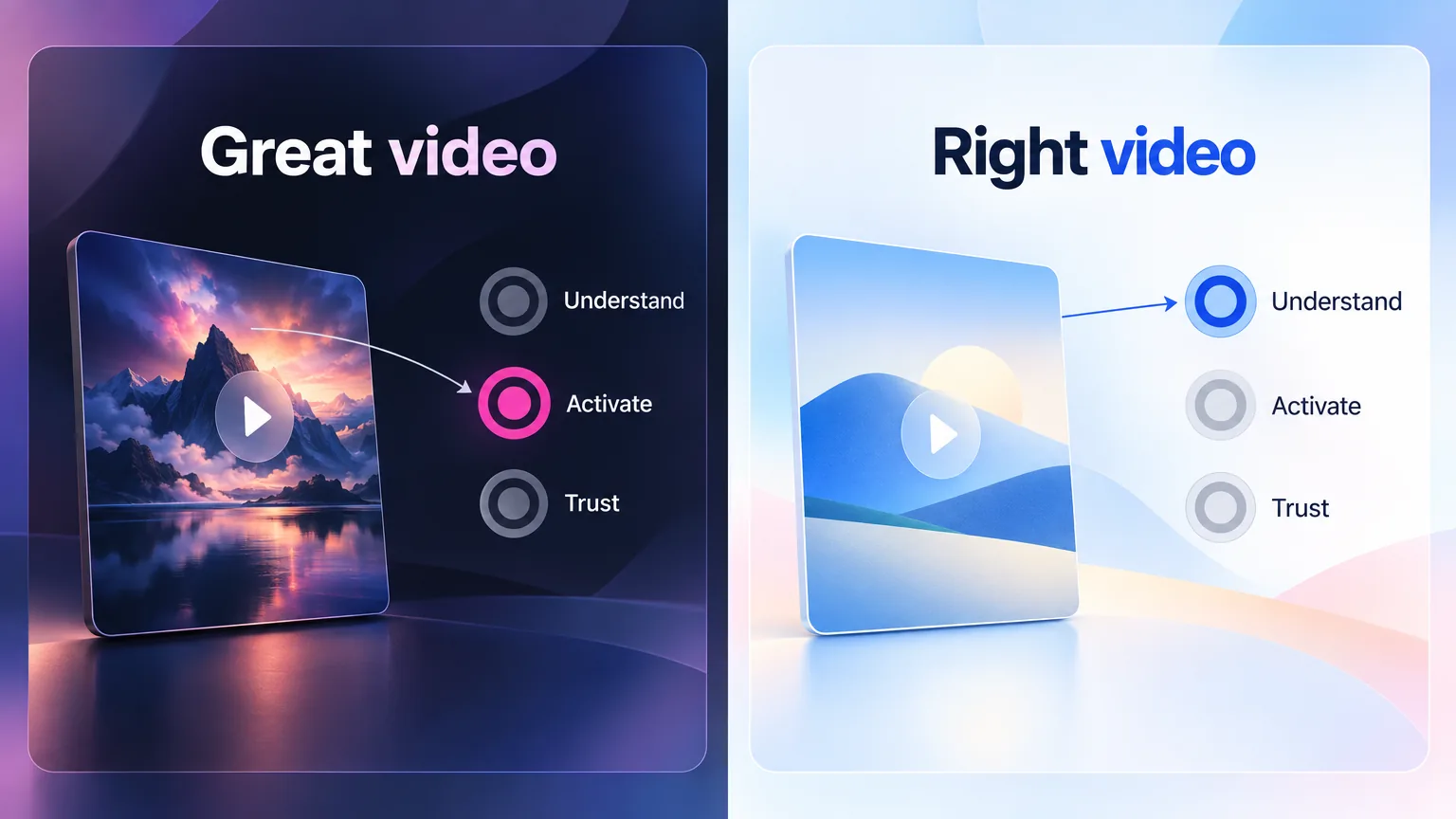
A great SaaS video can still be the wrong video because quality does not fix a mismatch with what the company needs. A beautiful launch film is wasted if nobody can find the product after signup. A polished testimonial is wasted before you have customers who match your buyer. A video earns its budget only when it solves today's biggest problem.
From the author. I have worked with SaaS companies doing millions in revenue, and with startups that were just getting started. The one thing I learned is that a great SaaS video can still be the wrong video. A launch video, a product demo, a feature video, a testimonial or an onboarding video can all be a waste of money if you do not know what your company needs right now.
So before choosing a format, ask what is stopping growth today. If people do not understand the product, you need a demo. If they sign up and then leave, you need onboarding. If they trust the product but not your company, you need proof. Understanding, activation and trust are the three bottlenecks most SaaS videos exist to fix, and the framework below sorts each video by which one it solves and what it costs.
The SaaS video budget framework: four buckets
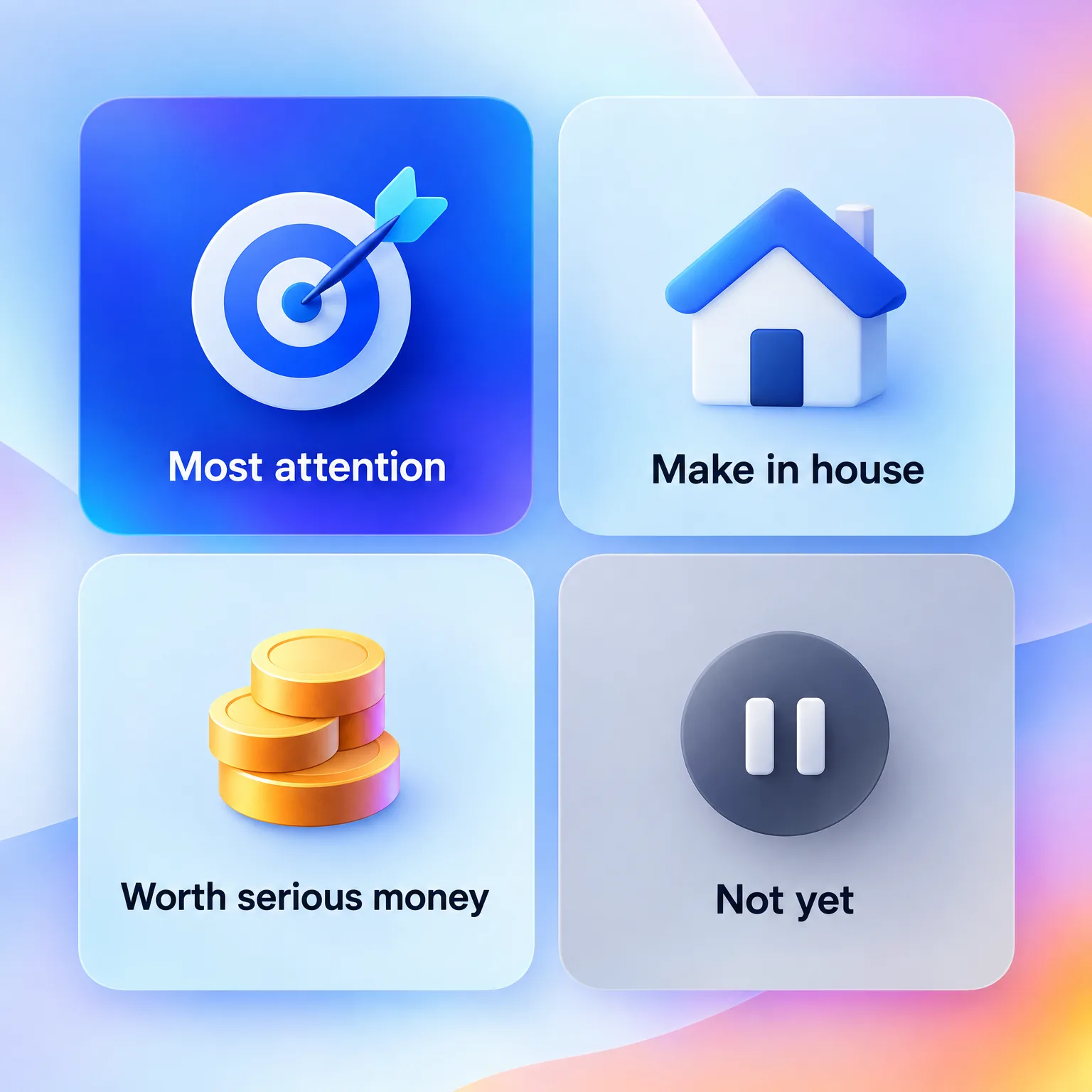
The SaaS video budget framework sorts every video into one of four buckets. Some deserve the most attention, some you can make in house, some are worth serious money, and some are not worth money yet. This is GuideClarity's framework, built from what works for SaaS teams at different stages. It is an opinion to adapt, not a measured result.
| Bucket | Videos | Why |
|---|---|---|
| Deserves the most attention | Product demo video, onboarding videos | They decide whether people understand and adopt the product |
| Easy to make in house | Feature and launch clips, tutorials, sales follow-ups, founder updates, social shorts | They need speed and volume more than polish |
| Worth serious money | Homepage explainer, customer testimonial videos | They carry the brand for years and are hard to fake |
| Not worth money yet | Brand films, heavy video ads, animated videos for every feature | They cost a lot before you know your message works |
Deserves the most attention
The product demo video and the onboarding videos deserve the most attention at every stage. The demo decides whether a visitor understands the product. Onboarding decides whether a new user reaches their first result. Both are worth rewriting, re-recording and testing until they are clear. Our guide to making a product demo video that converts and the SaaS onboarding video playbook cover each in depth.
Attention is not the same as budget. A demo recorded from the real product by your own team often beats an expensive animated one, because it shows what buyers will actually use.
Few SaaS companies put this video where it matters most. WayaFrame's study of 1,536 SaaS websites found that 32.3% use video on the homepage, but only 3.7% feature a product demo video there. Most homepage video budgets go to motion and atmosphere instead of the product.
Easy to make in house
Feature videos, launch clips, tutorials, sales follow-ups, founder updates and social shorts are easy to make in house. They change often and need speed more than polish. A team that ships every week cannot wait for an agency on each release. Our product launch video checklist shows how to make a launch video in a repeatable way, and personalized video demos cover sales clips.
Worth serious money
A homepage explainer and customer testimonial videos are worth serious money once your message is proven. The explainer carries your positioning for a long time, so craft pays back. Testimonials need real customers, good sound and good editing, which is hard to fake. Both are worth hiring for, but only after you know what to say and who to film.
Not worth money yet
Brand films, heavy video ads and animated videos for every feature are not worth money until the basics work. They are expensive, slow to change and easy to get wrong when the message is still moving. Spend that budget on the demo and onboarding first. Come back to these once your positioning is stable.
Signs you are funding the wrong SaaS video
You are funding the wrong SaaS video when your numbers point to one bottleneck and your budget goes to another. Signups that never activate call for onboarding, not a new hero film. Homepage traffic that never converts calls for a clear demo. The symptoms show up in other metrics long before anyone questions the video budget, so read those metrics first.
| What you see | What it usually means | Where to move the budget |
|---|---|---|
| Lots of homepage views, few signups | Visitors do not understand the product | A product demo video |
| Signups rise, active users do not | New users never reach the first result | Onboarding videos |
| Long sales cycles with the same questions | Buyers lack proof or answers between calls | Sales follow-ups and testimonials |
| Support tickets repeat the same how-to questions | The help center has no video for common tasks | Tutorials made in house |
| Feature videos are always weeks late | An agency sits in the path of every release | In house feature clips |
Which SaaS videos to fund at each stage
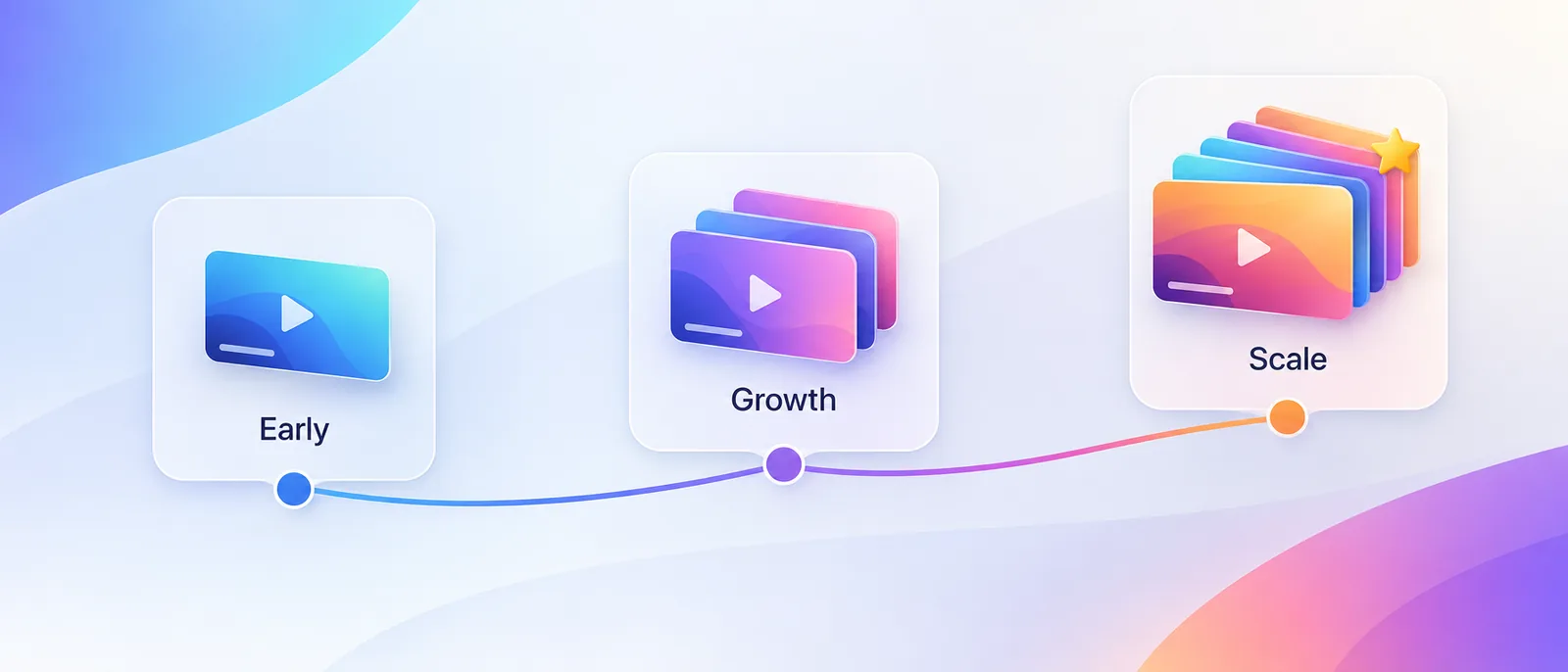
The SaaS videos worth funding change as the company grows. An early startup needs proof that the product is clear. A growing company needs volume and consistency. A company at scale can afford polish and proof. The table maps the four buckets to three stages.
| Stage | Most attention | Make in house | Worth serious money | Skip for now |
|---|---|---|---|---|
| Early (finding fit) | Product demo, first onboarding video | Founder updates, sales follow-ups | Nothing yet | Explainer, brand film, ads |
| Growth (repeatable sales) | Demo, onboarding flow | Launch clips, tutorials, social shorts | Homepage explainer | Brand film |
| Scale (many teams) | Demo per product line, onboarding per persona | Feature videos every release, help library | Testimonials, explainer refresh | Videos with no owner or measure |
The early stage is where most money is wasted. A founder can record a clear product demo in an afternoon. The same budget spent on an animated explainer before the message works often buys a video that needs replacing within months.
In house video production vs hiring an agency
In house video production wins for videos that change often, and an agency wins for videos that carry the brand for years. Most SaaS teams need both, in different proportions at different stages. The right split depends on how often the product changes and how much each video has to last.
| Factor | In house | Agency |
|---|---|---|
| Speed | Same day to a few days | Weeks |
| Cost per video | Team time and tools | A project fee per video |
| Best for | Demos, launch clips, tutorials, sales clips | Explainers, testimonials, brand work |
| Weakness | Polish and consistency | Slow to update when the product changes |
Before you hire an agency for any video, check four things.
- The video will stay accurate for at least a year.
- You can name the one viewer and the one action it is for.
- Someone on your team owns the script and signs it off.
- You know where the video will be published and how you will measure it.
If you cannot tick all four, make a recorded version in house first. It will show you what the paid version needs to say.
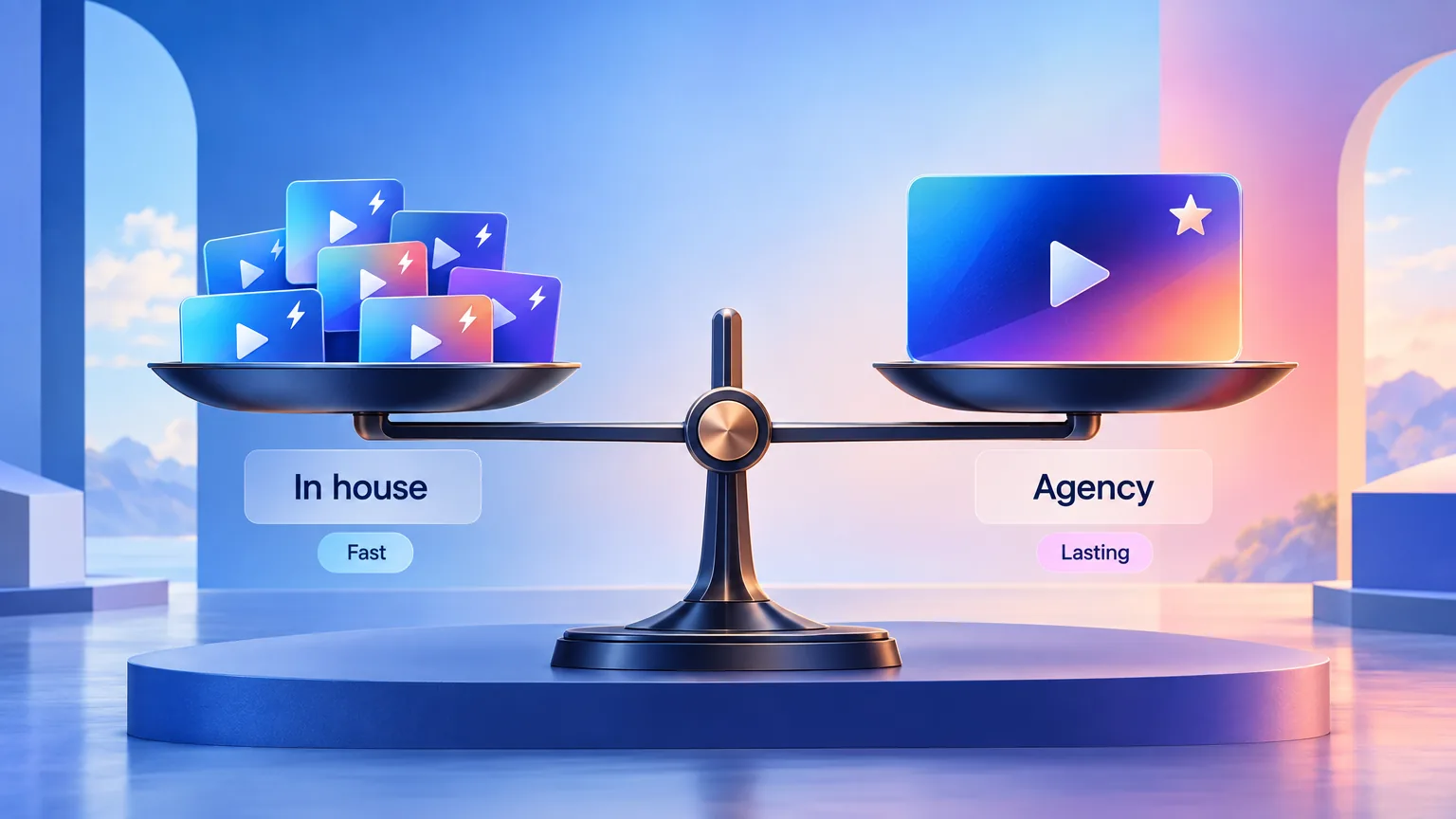
AI tools have moved the line toward in house. Recording, voiceover, captions and editing now take hours, not days. Our guide to AI video generation for SaaS teams compares the tool categories. GuideClarity, the platform behind this blog, is an AI agent for product videos that records your real product and produces a finished video from a plain request.
What does an explainer video cost?
Explainer video cost depends mostly on the style and on who makes it. A screen-recorded explainer made in house costs team time and a tool subscription. A custom animated explainer from an agency is a project fee and weeks of review. Character animation, live action and custom illustration push the cost up the most.
| Cost driver | Lower cost | Higher cost |
|---|---|---|
| Style | Screen recording of the real product | Custom character animation or live action |
| Who makes it | Your team with a recording or AI tool | An agency or a freelance studio |
| Voice | AI voiceover or a team member | Professional voice talent |
| Rounds of review | One owner signs off | Many stakeholders and rewrites |
| Versions | One language and one cut | Many languages, lengths and formats |
Before paying for any explainer, check three things. Is the message proven with real customers? Will the product look the same for at least a year? Do you have a place where the video will be seen? If any answer is no, a recorded product demo is the better first spend.
A b2b video marketing strategy in five decisions
A b2b video marketing strategy for SaaS comes down to five decisions. Decide them in order, and the video budget follows from the answers rather than from what other companies do. Most teams skip the first decision and start with the format, which is how a great video ends up being the wrong one.
- Name the bottleneck. Is it understanding, activation or trust?
- Pick the matching video. A demo for understanding, onboarding for activation, testimonials for trust.
- Choose who makes it. In house for anything that changes often, an agency for long-lived brand work.
- Plan where it lives. Homepage, app, help center, email or sales follow-ups.
- Decide how to measure it. Completion and clicks for marketing videos, adoption for onboarding.
For saas video production at volume, the same five decisions repeat with every release. Our roundup of product demo benchmarks collects public benchmarks on length, captions and calls to action that help set targets.
Key Takeaways
- A great SaaS video can still be the wrong video if it does not fix today's biggest problem.
- Put the most attention on the product demo and onboarding videos at every stage.
- Make feature, tutorial and sales videos in house, because they change often.
- Pay serious money for a homepage explainer and testimonials only once the message is proven.
- Skip brand films and heavy ads until the basics work.
- AI tools move more saas video production in house, which frees budget for the videos that last.
Frequently Asked Questions
What are SaaS videos?
SaaS videos are the videos a software company uses to explain, sell and support its product. The main types are product demos, explainers, onboarding videos, feature launch videos, tutorials, customer testimonials and sales videos. Each does a different job at a different stage of the customer journey.
Which SaaS video should a startup make first?
A startup should make a product demo video first. It shows what the product does in one to two minutes and works on the homepage, in sales follow-ups and in launch posts. A founder can record it from the real product, so it costs time rather than budget. Short is normal. In an ADVIDS study of 106 enterprise SaaS explainers, the median ran 1:14.
How much does a SaaS explainer video cost?
A SaaS explainer video costs very little when a team records it in house with a screen recorder or an AI video tool. A custom animated explainer from an agency costs a project fee and takes weeks. Character animation and live action cost the most.
Should SaaS companies make videos in house or hire an agency?
SaaS companies should make videos that change often in house, such as demos, launch clips, tutorials and sales follow-ups. They should hire an agency for long-lived brand work, such as a homepage explainer or customer testimonials, once their message is proven.
What SaaS videos are not worth the money?
Brand films, heavy video ads and animated videos for every feature are usually not worth the money for an early SaaS company. They are expensive and slow to change, and they often need replacing once the product and message settle.
How to make a SaaS video?
To make a SaaS video, name the problem it solves, pick one job for it and record the real product showing that job. Add voiceover and captions, keep it to one or two minutes, and end with a clear next step. Then cut versions for each channel.
Related Reading
- The product launch video checklist. Plan, cut and publish a launch video.
- How to make a product demo video. The video that deserves the most attention.
- SaaS onboarding video playbook. Get new users to their first result.