
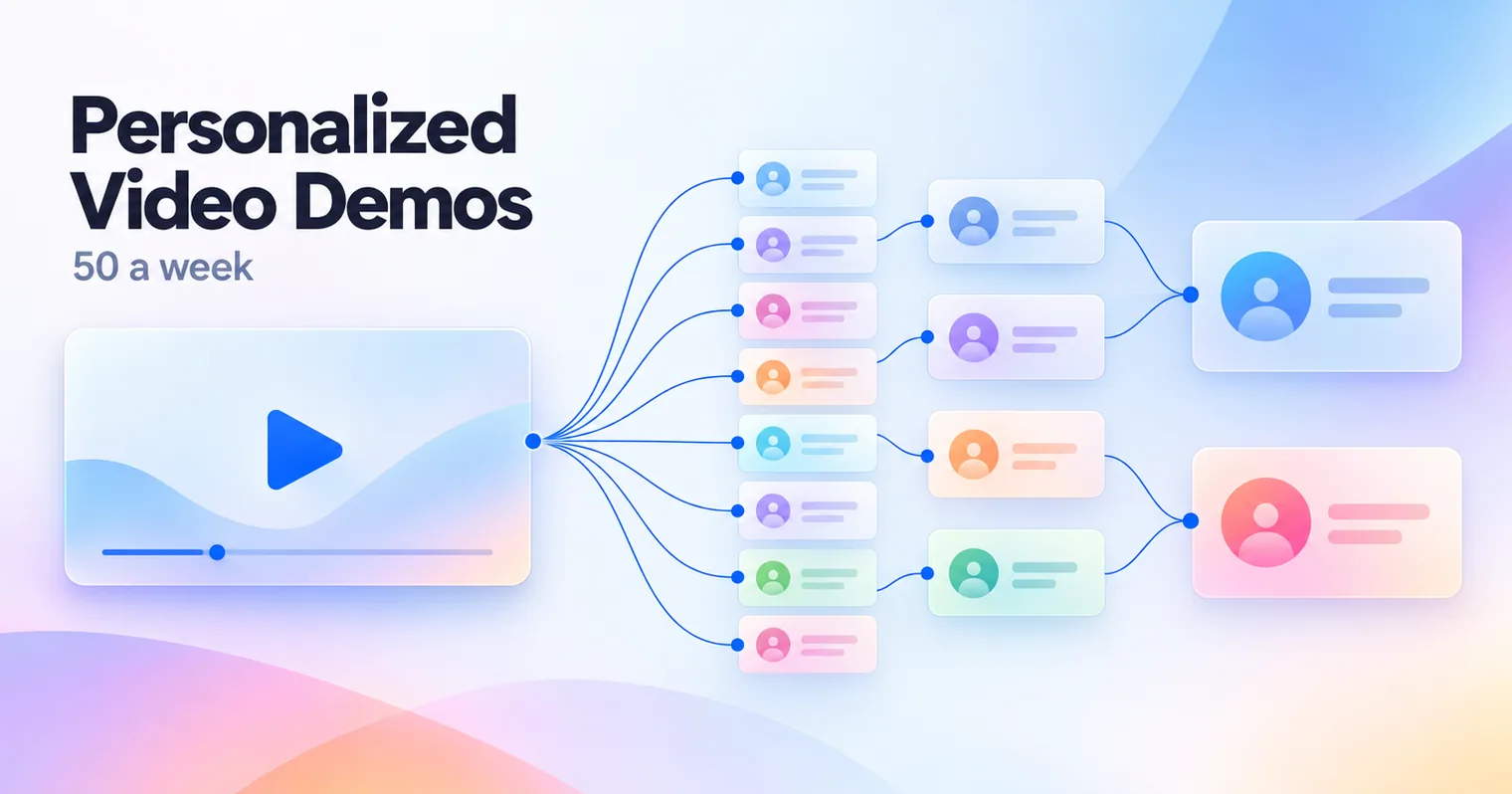
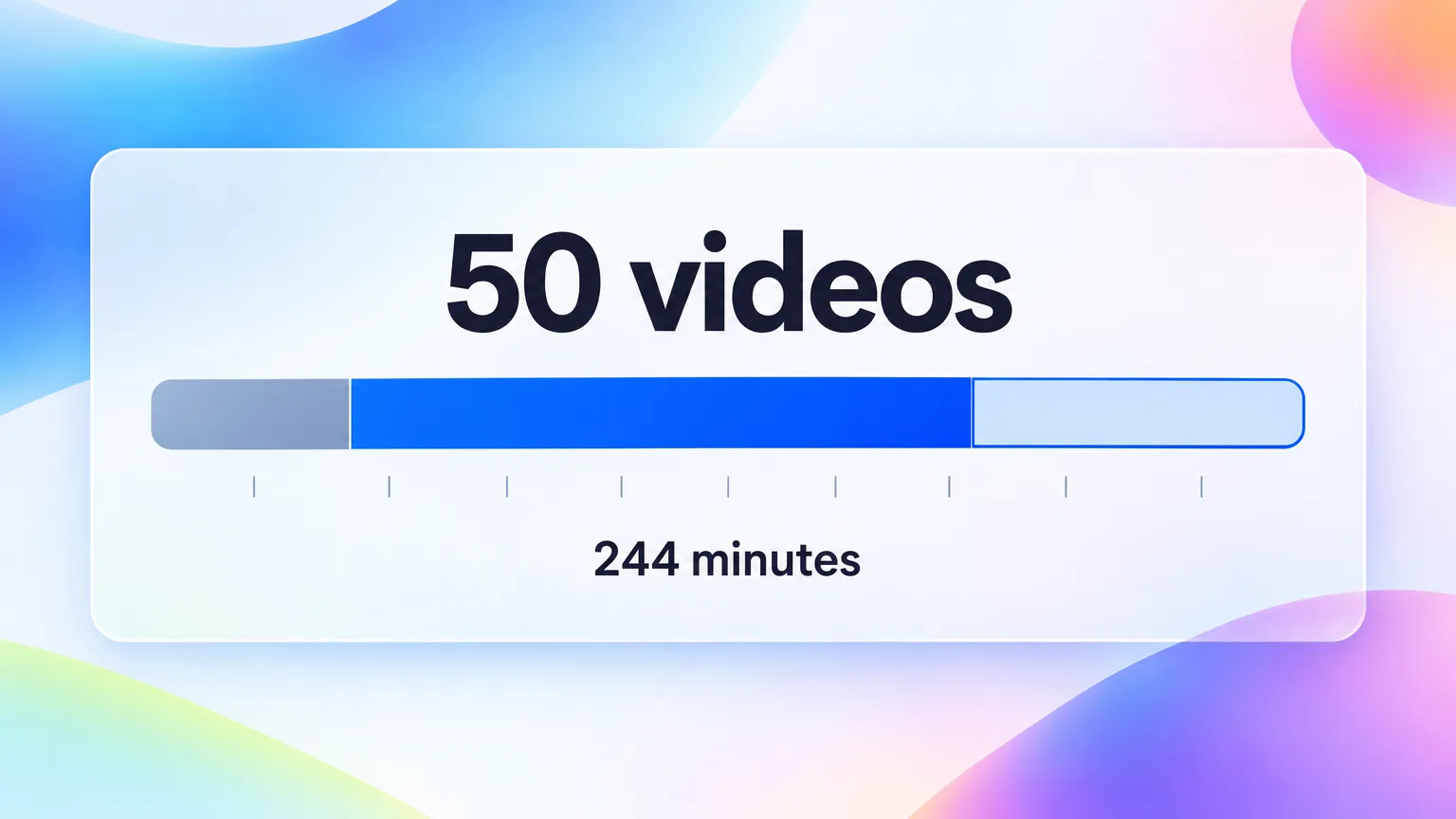
A personalized video is a short video made for one specific prospect. In SaaS sales it is usually a reusable product demo with a 15 to 30 second opener for that buyer. Scale it by matching effort to the deal. Spend 2 minutes on cold outreach, 8 minutes after discovery and 20 minutes before a big close. At that mix, one rep can send 50 personalized demos a week in about 4 hours.
What is a personalized video in SaaS sales?
A personalized video in SaaS sales is a short video recorded or assembled for one named buyer. It references their company, their problem or their stage in the deal, and it usually wraps a standard product demo. A customized video is different. It is tailored to a segment or an industry rather than to one person. Most sales teams need both. The customized demo is the reusable part, and the personal opener earns the reply.
Most reps who try personalized video send a dozen, see a few replies and then stop, because each video ate half an hour. Planning the effort per deal fixes that.
Three production models dominate in 2026:
| Model | How it is made | Best for | Typical tools |
|---|---|---|---|
| One-to-one recording | The rep records a fresh video for each buyer | Late-stage deals, champions | Loom, Vidyard, Sendspark |
| Template with variables | One recording, with name, company or background swapped per viewer | High-volume outbound | Sendspark dynamic video, Loom Variables |
| Hybrid | A personal opener stitched onto a reusable base demo | Discovery follow-ups, most mid-market deals | Any recorder plus a base demo library |
The hybrid model is the one that scales. The base demo is made once per use case, and only the opener changes per buyer. That is the idea this whole playbook rests on. Match the effort to the deal, and build the reusable part only once.
This guide is for SaaS sales and success teams. It does not cover celebrity or gift videos, which share the same search term.
The three personalization tiers and what each costs in time
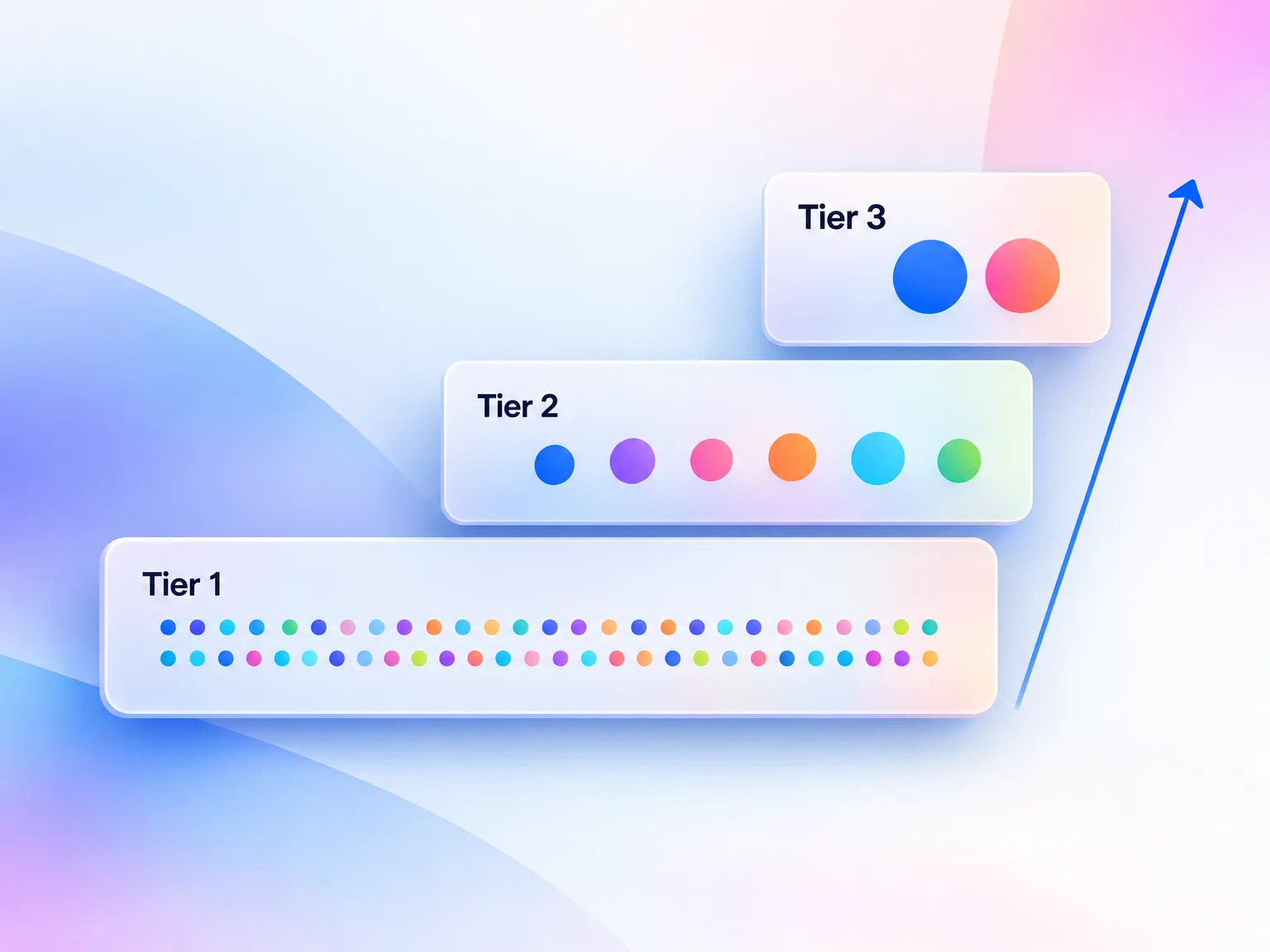
Personalization only scales when each video's effort matches what the deal is worth. The framework below splits the work into three tiers by minutes per video. The numbers are planning budgets for one rep, not industry benchmarks. Use them to decide how many of each tier fit in a week before you promise a quota.
| Tier | What changes per buyer | Minutes per video | Use it for |
|---|---|---|---|
| Tier 1, Surface | Name and company on the thumbnail or first frame, standard demo | About 2 | Cold outbound, event follow-ups |
| Tier 2, Reframed | A 15 to 30 second opener on the buyer's stated problem, then the base demo | 5 to 10 | Post-discovery follow-ups, mid-market deals |
| Tier 3, Deep | Their use case, their objections, sometimes a walkthrough of their own setup | 15 to 30 | Enterprise deals, champion enablement, pre-close |
Tier 1 is cheaper than it sounds. In a Loom case study, Intercom's sales reps spent about two minutes on each personalized video. Tier 3 is where most reps overspend. A 30-minute video for a deal that will close at a few hundred dollars a month is a loss, however good it looks.
Pick the tier by deal size and stage. Use Tier 1 when you are still earning attention. Move to Tier 2 once the buyer has told you their problem. Save Tier 3 for the moments when a champion has to sell your product internally.
Sometimes no video is the right tier. Skip personalized video when the buyer asked for something they will scan, such as a price, a security answer or a contract clause. Skip it for self-serve plans where the product trial does the selling. A video in those moments costs you minutes and costs the buyer time.
Build the base demo once, then personalize the opener
The base demo is the reusable 60 to 90 second product walkthrough that every personal opener sits in front of. Build one per core use case, not one per prospect. Most teams need four to six base demos to cover their main buyer problems. Each should show one workflow from start to finish, with no names, dates or prospect details in it.
The base demo used to be the expensive part. Building it by hand means scripting, recording, editing, zooming and captioning. GuideClarity, the platform behind this blog, has timed its own production. The numbers below come from the team's own runs, reported on 2026-09-23.
| Step | With GuideClarity | Manual equivalent |
|---|---|---|
| Product recording | 1 to 2 minutes | Script, rehearse and record |
| AI processing and generation | About 1 minute | Editing, zoom, captions, music |
| Final demo length | 60 to 90 seconds | 60 to 90 seconds |
| Blog post from the same recording | About 3 minutes | Written separately |
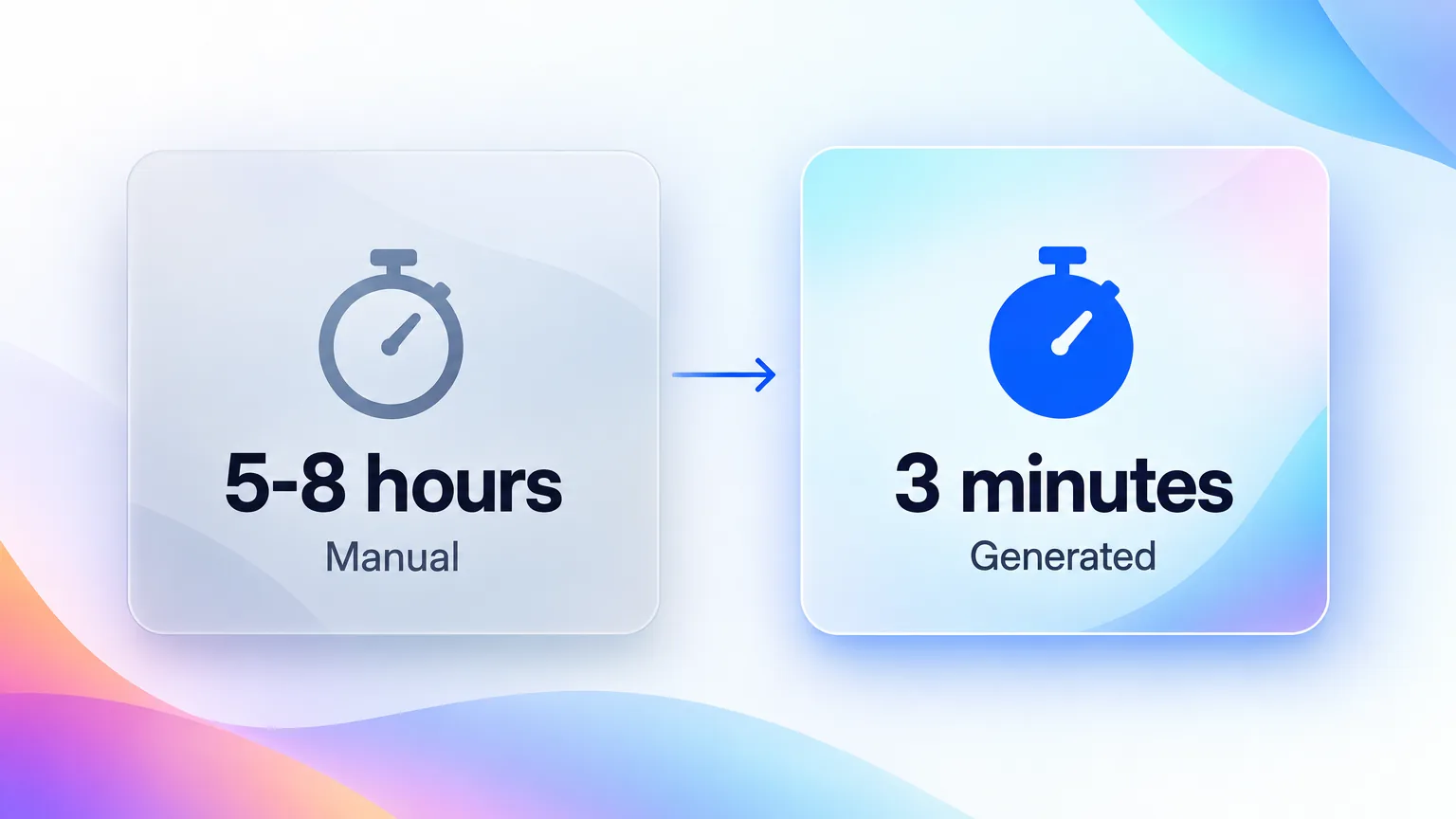
| Total per demo | About 3 minutes of work | 5 to 8 hours |
The same recording also produces short-form clips and visual assets. For a sales team, the math is simple. Five base demos take about 15 minutes to produce instead of 25 to 40 hours. That time goes back into the personal openers, which is where the reply comes from.
Fast production also fixes the quiet problem with base demos, which is that they go stale. A demo recorded before a UI change shows buttons the buyer will not find. At about 3 minutes per demo, re-recording after each release is cheaper than explaining the difference on a call.
The craft of the base recording still matters. Record one workflow per take, narrate each step as a full sentence and end on the outcome. The guide to making a SaaS product demo video that converts covers the recording itself. The content repurposing workflow explains how one recording feeds every other channel.
The 5-step workflow for a Tier 2 video
Tier 2 is where personalized video earns its keep, because it responds to what the buyer said. The workflow below keeps each Tier 2 video to about 8 minutes. It works with any recorder that can stitch two clips, including Sendspark, Vidyard and Loom.
- Pick the base demo. Match the buyer's stated problem to one of your four to six base demos. If none fits, send a Tier 1 video and note the gap for the next base demo you build.
- Write three lines of notes. Note the buyer's problem in their words, one number they mentioned and the next step you want. This takes about 2 minutes and is the whole script.
- Record the opener. Record a 15 to 30 second intro on camera. Say their name, repeat their problem in their words and tell them what the demo will show. Do not re-record for small stumbles.
- Stitch and title it. Put the opener in front of the base demo. Title the video with their company and the problem, not with your product name.
- Send, track and follow up. Send the video in the channel where the conversation already lives. Check who watched and how far. A viewer who watched past the opener gets a follow-up within one working day.
Keep it under two minutes in total. Vidyard's benchmark found that 65% of viewers watch a video to the end when it is under one minute long. A 20-second opener plus a 70-second demo stays close to that.
How many personalized videos can one rep send in a week?
One rep can send about 50 personalized videos a week in roughly 4 hours, if most of them are Tier 1. The mix below is a planning example, not a benchmark. It assumes the base demos from the section above already exist. Without a ready base demo, every Tier 2 video turns into a Tier 3 video, and the weekly volume collapses to about ten.
| Tier | Videos per week | Minutes each | Minutes per week |
|---|---|---|---|
| Tier 1, Surface | 32 | 2 | 64 |
| Tier 2, Reframed | 15 | 8 | 120 |
| Tier 3, Deep | 3 | 20 | 60 |
| Total | 50 | 244 (about 4 hours) |
That is less than one hour a day. Vidyard's 2024 benchmark report found that its users created 943,305 videos in 2024, an average of 37 each. So a 50-a-week rep is well above the typical user. The volume is reachable, but only with a system.
Adjust the mix to your motion. An enterprise team might send 10 Tier 1, 15 Tier 2 and 5 Tier 3 videos. That is about the same 4 hours for 30 videos.
Two things break this budget. The first is re-recording openers until they feel perfect, which can triple a Tier 2 video. The second is writing a fresh script for each buyer. Cap each opener at two takes, and keep the notes to three lines.
Tools for personalized video in SaaS sales in 2026
The tool you need depends on which part of the video you are scaling. Recording tools make the opener fast. Personalization platforms add tracking, variables and CRM links. AI avatar tools generate the presenter for very high volume. Prices below were checked on the vendors' pricing pages on 2026-09-23.
| Tool | Category | What it does for personalized video | Starting price |
|---|---|---|---|
| Loom | Recording | Fast screen and camera recording, Variables (beta) for personalization | Business plan from 18 USD per user per month |
| Vidyard | Recording and personalization | Sales video hosting, viewer tracking, AI avatars | Free plan with 5 videos a month, paid plans via sales |
| Sendspark | Personalization | Dynamic videos that swap names and backgrounds per prospect | Solo plan from 49 USD a month |
| BombBomb | Personalization | Video email for relationship-based selling | Not checked |
| HeyGen | AI avatar | Avatar-presented videos generated from a script | Creator plan from 29 USD a month |
| Tavus | AI avatar | AI-generated personalized video at volume | Not checked |
| GuideClarity | Base demo production | Turns a product recording or a shipped feature into a 60 to 90 second demo, plus a blog post and short clips | See the features page |
Avatar video is growing fast. Vidyard reported that user adoption of its AI Avatars feature rose 12x in eight months. Use avatars for Tier 1 outbound at volume, not for Tier 3, where the buyer should see a real person. The 2026 guide to AI video generation for SaaS teams covers the avatar and voice tools in depth. For a full vendor comparison, see the SaaS demo video software buyer's guide.
Choose by your bottleneck. If reps skip videos because recording feels slow, start with a recorder. If managers cannot see what works, add a platform with viewer tracking. If the base demos are missing or out of date, fix production first, because every other tool depends on them.
Scripts for prospecting and discovery follow-ups
The first two deal moments are where most personalized video volume goes. Prospecting videos earn a first reply. Discovery follow-ups prove you listened. Both work best with a short opener and a base demo that matches the buyer's problem. The templates below are starting points, so rewrite them in your own words before you record.
1. Pre-discovery, cold outreach (Tier 1, 30 to 45 seconds)
"Hi Dana, I recorded this for the team at Northwind. You're hiring three SDRs this quarter, so onboarding speed probably matters. In the next 30 seconds I'll show you how teams like yours cut ramp time. If it's useful, reply and we'll find 20 minutes."
2. Post-discovery follow-up (Tier 2, 60 to 90 seconds)
"Hi Dana, thanks for the call on Tuesday. You said the hard part is getting reps to use the same demo. Here's exactly that workflow, using the three steps you described. At the end I'll show the report your VP asked about."
Keep the names in these templates generic. The personalization comes from repeating the buyer's own words, not from adding more facts about them. The dedicated guide on outbound sales videos goes deeper on cold hooks and hit rates.
Scripts for objections, champions and onboarding
Later deal moments need fewer videos but more care. An objection video answers one specific concern. A champion video has to work when it is forwarded to people you have never met. An onboarding video turns a signed contract into an active customer. These three moments justify Tier 2 and Tier 3 effort, because each one moves real revenue.
3. Mid-cycle objection (Tier 2, about 30 seconds plus the relevant demo clip)
"Hi Dana, your security lead asked how data leaves our platform. Here's the export settings screen, and here's where admins switch it off. I've attached the SOC 2 report link below the video."
4. Pre-close champion enablement (Tier 3, about 90 seconds)
"Hi team, Dana asked me to walk through why Northwind is evaluating us. Here's the problem you described, the workflow that fixes it and what the first 30 days look like."
Record the champion video without inside jokes or references to earlier calls. It will be watched by people who were not there.
5. Post-purchase onboarding (Tier 2, 60 to 90 seconds)
"Hi Dana, welcome aboard. Here are the two settings your team should change on day one, based on what you told us in the kickoff."
The SaaS user onboarding video playbook covers the onboarding sequence after this first welcome video.
How to measure whether personalized video works
Measure personalized video on replies and meetings, not on views. A view proves the thumbnail worked. A reply proves the video worked. Track five numbers per tier and compare each against a text-only control group from the same rep and the same week.
| Metric | What it tells you | How to read it |
|---|---|---|
| Open rate | The subject line and thumbnail earned the click | Compare to the same rep's text emails |
| View-through rate | The opener held attention | A drop in the first 10 seconds means a weak opener |
| Reply rate | The video earned a response | The number that matters most |
| Meeting-booked rate | Replies turned into pipeline | Track per tier, not overall |
| Deal velocity | Days from first video to close | Compare cohorts with and without video |
Vidyard's own sales research gives a baseline for expectations. It found that using video for sales outreach increased response rates for more than 60% of sales reps. Over one-third of reps who use custom-recorded video report shorter sales cycles. Treat those as signals from vendor research, and prove the effect with your own control group.
Here is how to read a test, with illustrative numbers. A rep sends 100 text-only follow-ups and 100 Tier 2 videos in the same month. The text emails get 4 replies and the videos get 9. The videos took about 800 minutes more, so each extra reply cost about 160 minutes. That is worth it for a mid-market deal and too expensive for a small one.
Where personalized video programs stall
Most personalized video programs that stall fail on effort allocation, not on video quality. Reps pour Tier 3 effort into cold prospects who never replied, then run out of time for the champion who needed help. The four mistakes below cover almost every program that stalls after its first month.
- Over-personalizing low-value moments. A 20-minute cold video for a small account costs more than the deal returns. Use Tier 1.
- One hook for every tier. "I made this just for you" works once. After discovery, open with the buyer's problem instead.
- No base demo library. Without ready base demos, every video starts from zero and weekly volume drops to about ten.
- No measurement. Without a text-only control group, nobody knows whether the videos or the extra follow-up drove the replies.
Each of these comes back to the same two rules. Spend minutes where the deal is small and time where it is large. Build the base demo once, so your minutes go into the part the buyer notices. That part is the opener made for them.
Key Takeaways
- Match effort to the deal. Tier 1 takes about 2 minutes, Tier 2 takes 5 to 10 and Tier 3 takes 15 to 30.
- Fifty a week fits in about 4 hours. A mix of 32 Tier 1, 15 Tier 2 and 3 Tier 3 videos is 244 minutes.
- Build base demos once. Four to six 60 to 90 second demos cover most buyer problems.
- The base demo no longer costs a day. In GuideClarity's own runs, a demo takes about 3 minutes of work against 5 to 8 hours by hand.
- Keep videos under two minutes. Vidyard found 65% of viewers finish videos under one minute.
- Measure replies, not views. Compare every tier against a text-only control group.
- Use AI avatars for volume only. Keep real faces for champions and late-stage deals.
Frequently Asked Questions
How do I create a personalized video?
Record a short opener for one named buyer and attach it to a reusable product demo. Say their name, repeat their problem in their words and tell them what the demo will show. Tools like Loom, Vidyard and Sendspark record and stitch the opener. Keep the full video under two minutes and send it where the conversation already happens.
How do I create a demo video for personalized outreach?
Record one product workflow from start to finish in a single take. Then turn it into a 60 to 90 second demo with zoom, captions and a clear outcome. Leave out names and dates so it can be reused. Build four to six of these, one per core buyer problem.
What is the difference between personalized and customized video?
A personalized video is made for one person and references their name, company or problem. A customized video is tailored to a segment, such as an industry or a role, and is reused across many buyers. Most sales teams combine the two. They use a customized base demo for the segment and a personalized opener for the individual.
How long should a personalized sales video be?
Keep a personalized sales video between 30 and 90 seconds, and never longer than two minutes. Vidyard's 2024 benchmark found that 65% of viewers watch to the end when a video is under one minute. Cold outreach videos should be the shortest, at 30 to 45 seconds. Champion videos can run to about 90 seconds.
Can ChatGPT make a personalized sales video?
ChatGPT can write the script, the opener lines and the subject line for a personalized sales video. The video itself comes from a recording tool such as Loom or Vidyard, or from an AI avatar tool such as HeyGen or Tavus. A good split is to let ChatGPT draft the three lines of notes and record the opener yourself.
What is an example of personalized content in sales?
A post-discovery follow-up video is the clearest example. The rep opens with the buyer's name and the problem they described on the call, then shows the exact workflow that solves it. Other examples include an objection video answering one security question and a champion video built to be forwarded internally.
Do AI avatar videos work for personalized outreach?
AI avatar videos work for high-volume Tier 1 outreach, where the goal is a first reply. They work poorly for champions and late-stage deals, where buyers expect a real person. Vidyard reported that adoption of its AI Avatars feature rose 12x in eight months. Buyers see more of them now and spot a generic one fast.
What to Read Next
For the base demo itself:
- How to make a SaaS product demo video that converts. The recording craft behind every base demo.
For reusing one recording everywhere:
- The SaaS content repurposing workflow. How one recording feeds the demo, the blog and social.
For the tooling layer:
- The 2026 guide to AI video generation for SaaS teams. Avatars and AI voice for high-volume outreach.
- SaaS demo video software buyer's guide. Ten tools compared by job.
For what happens after the deal closes:
- SaaS user onboarding video playbook. The onboarding sequence after the welcome video.